

Have a question?
We have an answer ...
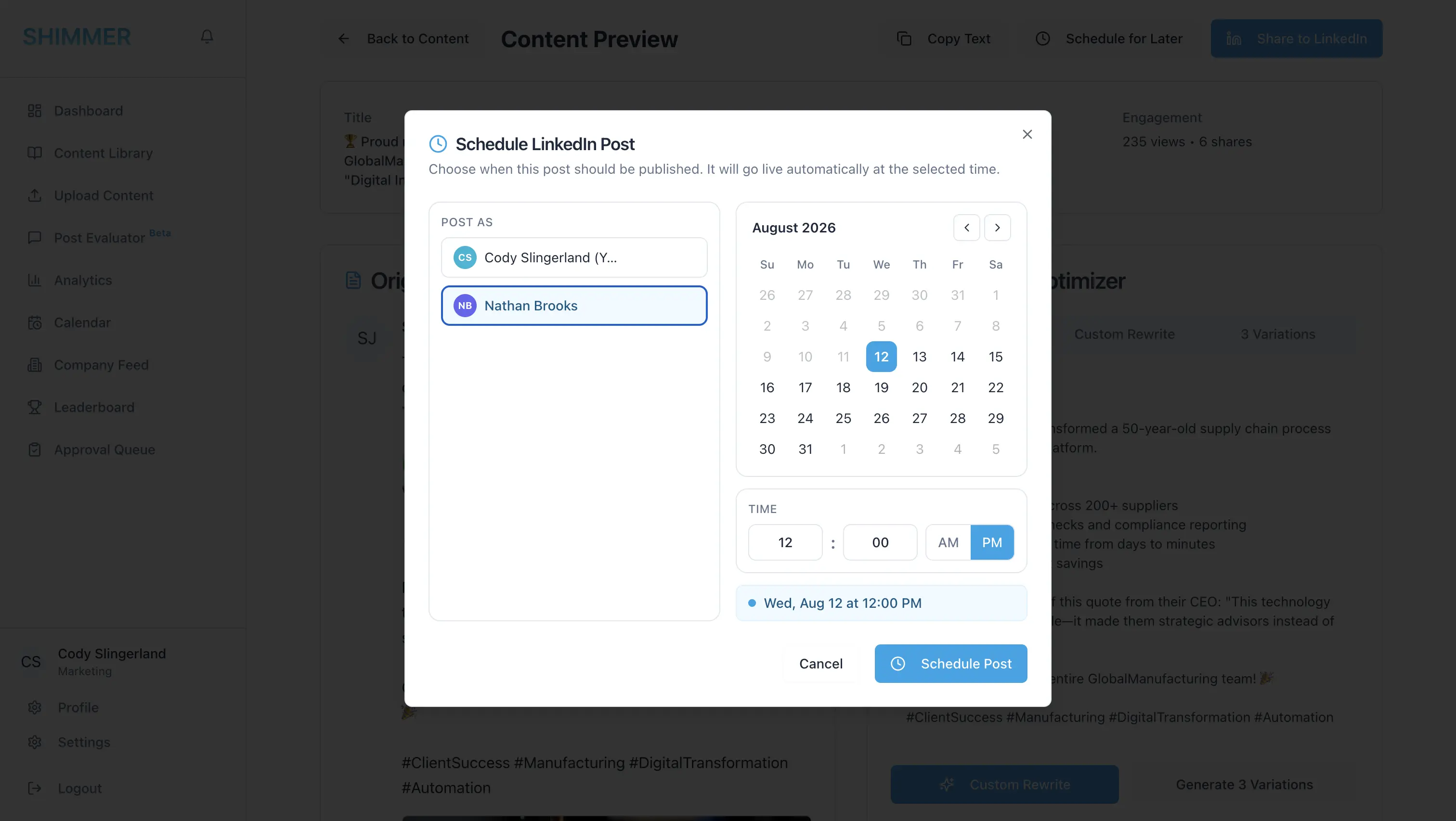
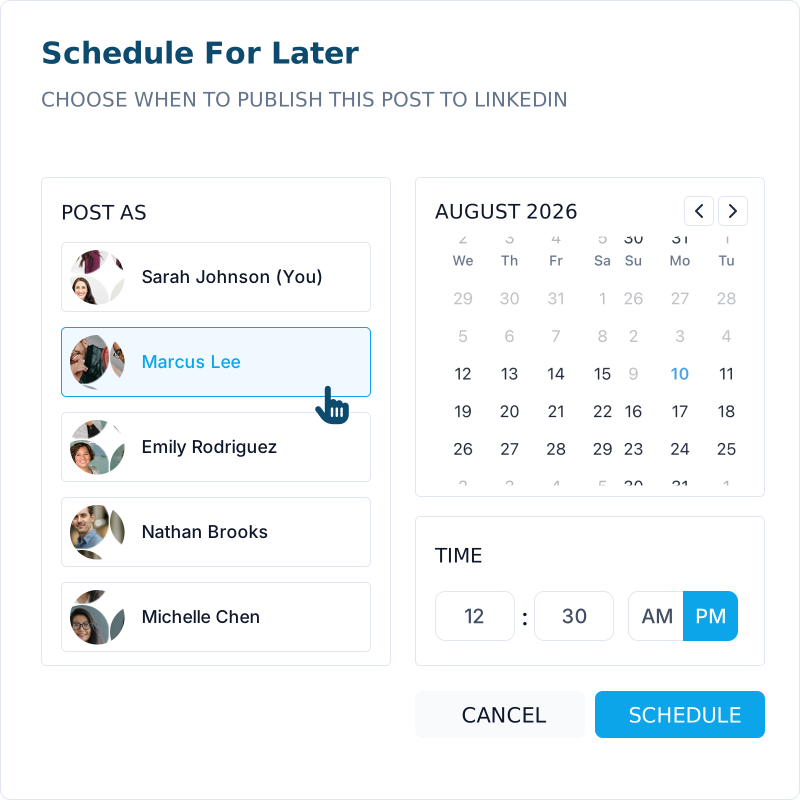
It means an admin can publish or schedule LinkedIn content that goes out under a teammate's own name and network, instead of a company page, as long as that teammate has opted in.
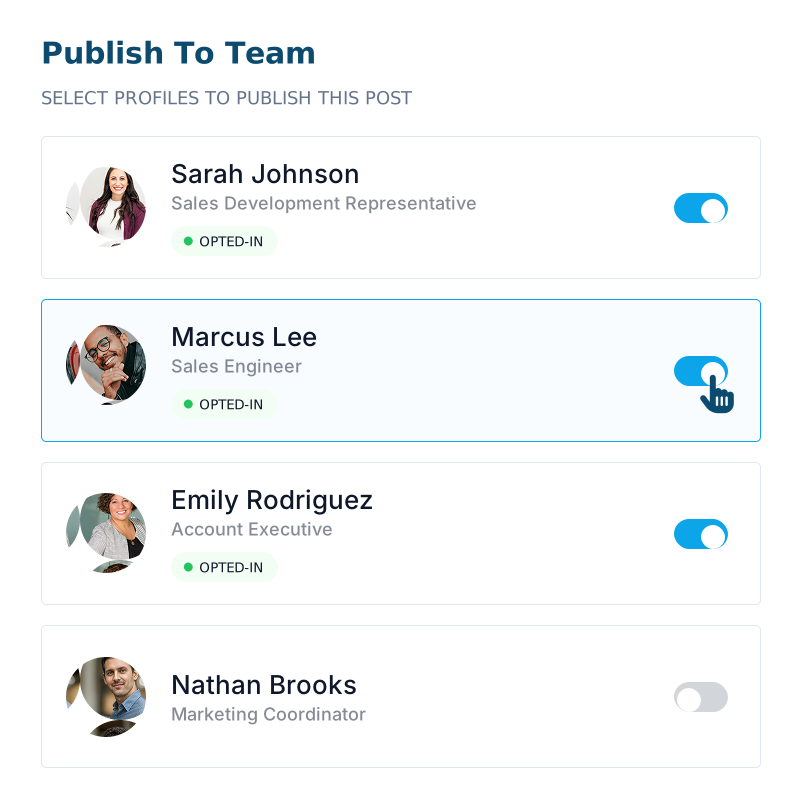
Yes. The Admin Posting Permission toggle on every member's Settings → LinkedIn tab is off by default. Nothing can be posted for them until they turn it on.
Any time. Turning the toggle off immediately removes them from the admin's Post As picker, so no new posts can be created for them.
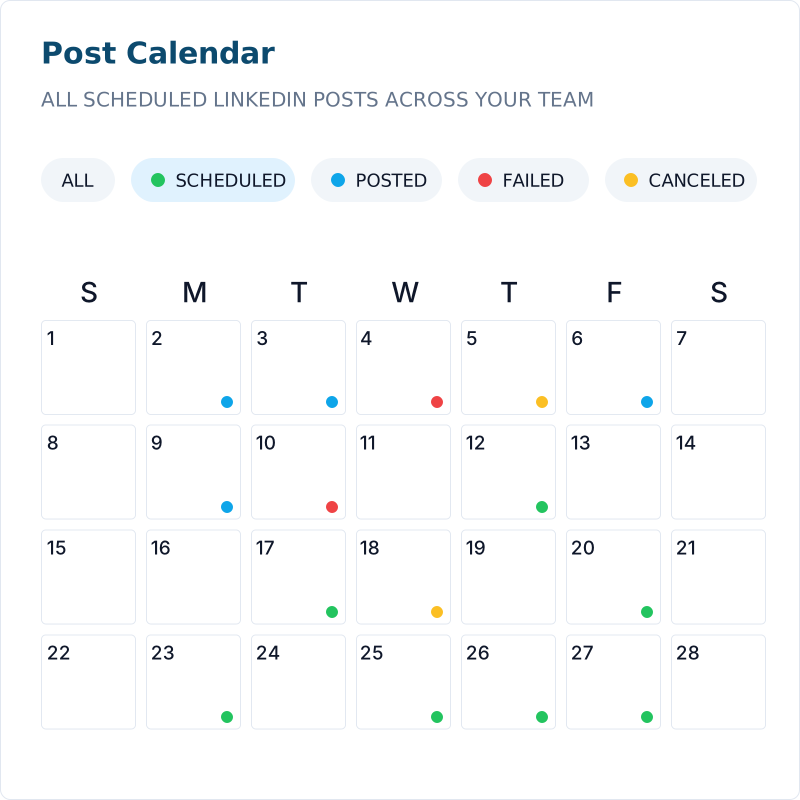
Posts that were queued before the toggle was turned off will fail to post to the team member's LinkedIn. You will see failed posts on the Calendar page.
Any member who currently has a connected LinkedIn account and has opted in via their Admin Posting Permission toggle.
Yes. Admins can edit or reschedule any pending or failed post across the whole organization from the Calendar page.
No, it's verified once, at the moment the post is originally created, not again when it's edited or rescheduled.
No. Admins can always post as themselves regardless of any opt-in setting. The toggle only governs posting as other members.


