

Have a question?
We have an answer ...
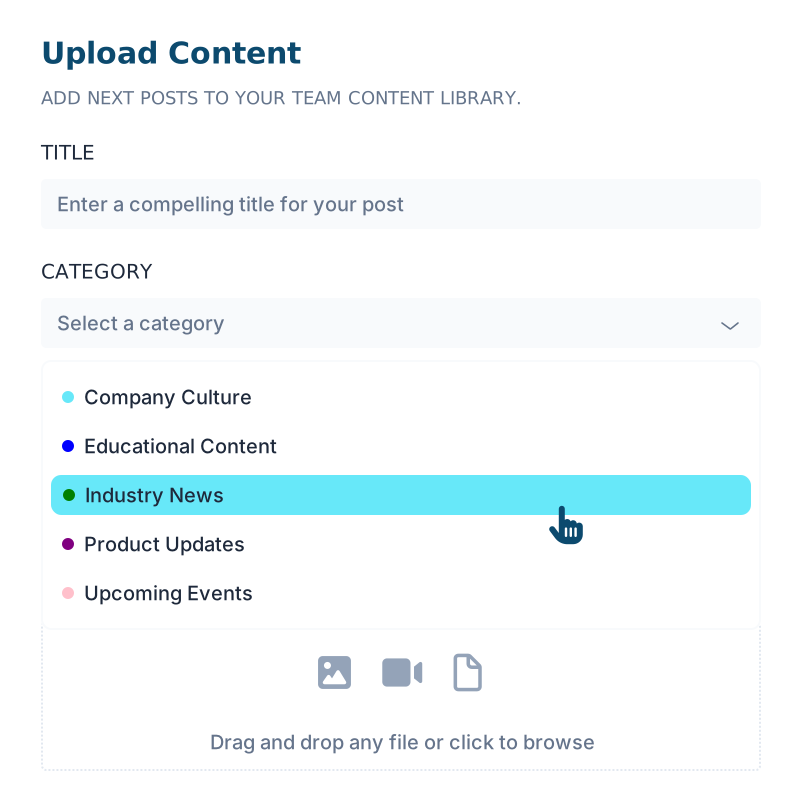
Images up to 20MB in JPEG, PNG, WebP, or AVIF. Video up to 50MB in MP4, MOV, or AVI. PDFs up to 50MB. Multiple files can be uploaded at once.
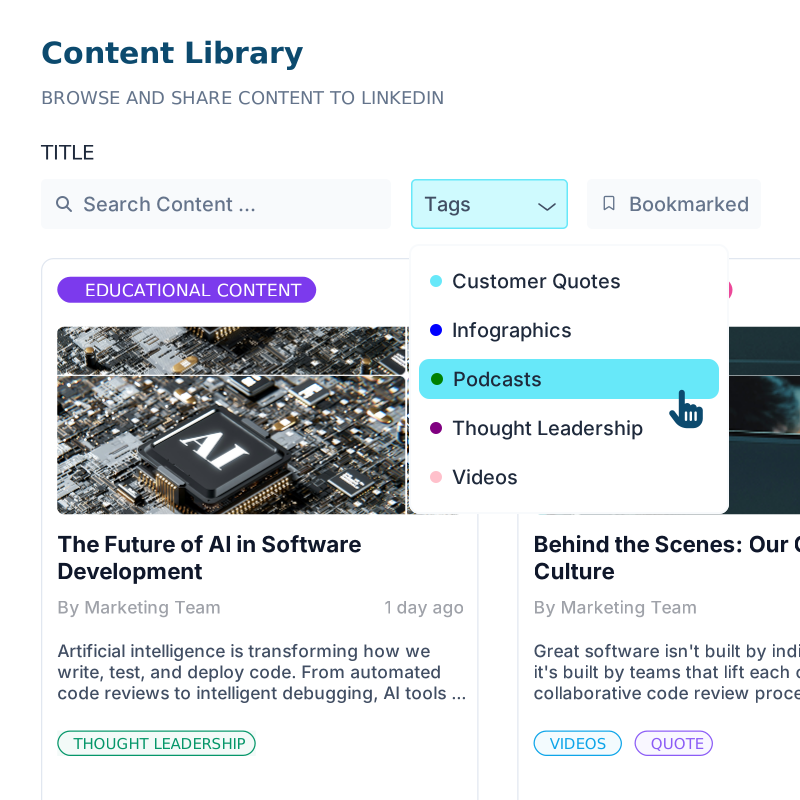
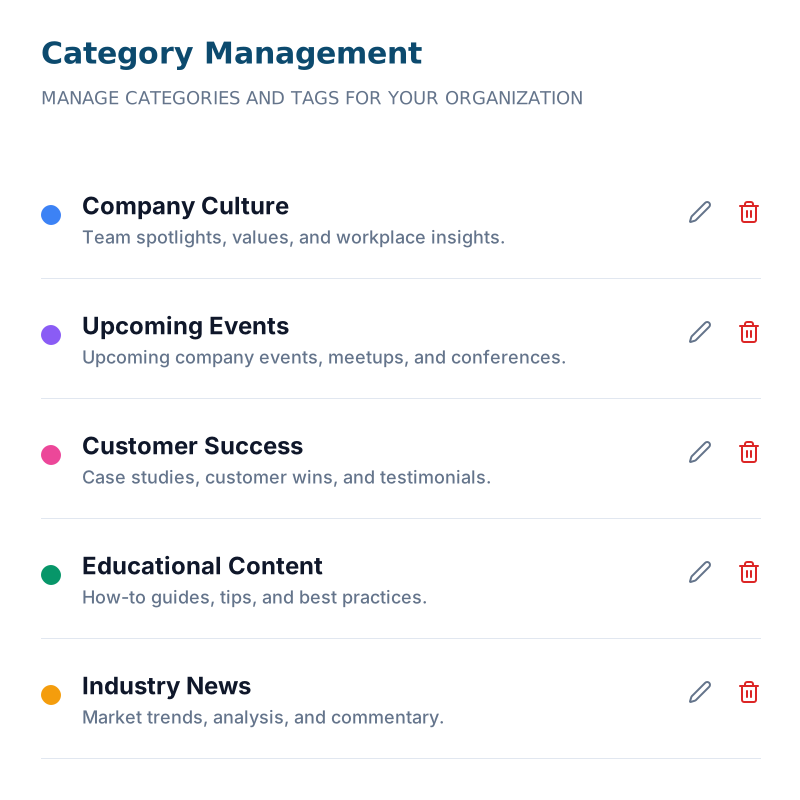
Categories are admin-managed and required on every upload, so the library stays consistently organized and color-coded. Tags are more flexible (and not required). Anyone uploading can add multiple tags, with autocomplete pulling from the shared tag library.
Yes. Add variations during upload for different audiences or platforms. Sales reps can then pick whichever version fits the moment before sharing.
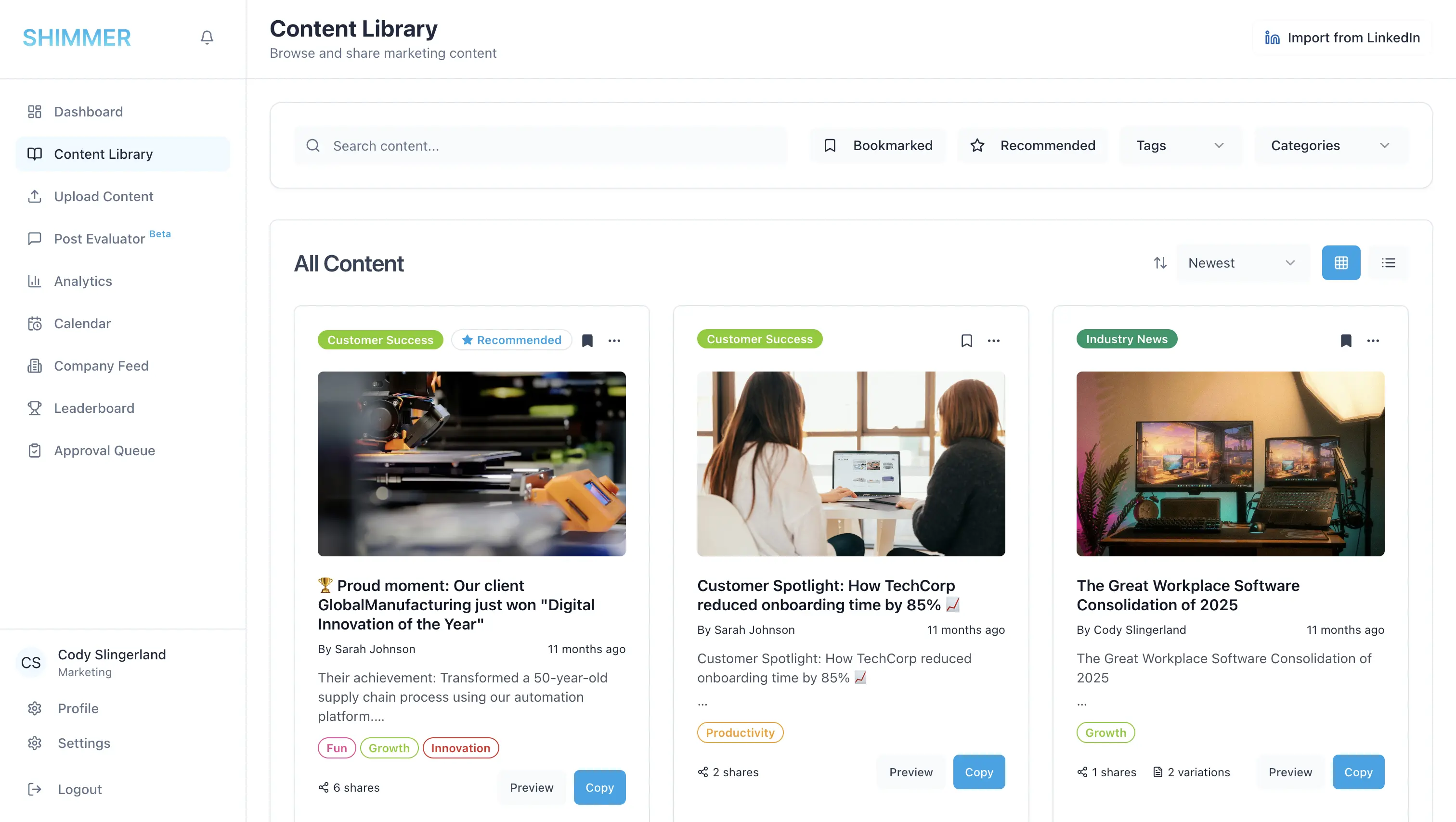
Search runs in real time across titles, descriptions, and authors as you type. It's case-insensitive, so you don't need to worry about exact matches.
Yes. Open any content card and click Post to LinkedIn to publish immediately, formatted and ready. You can also share from the full content preview.
Posting publishes the content to LinkedIn instantly through your connected account. Copying puts the text on your clipboard so you can paste it into a new LinkedIn post and add a personal touch before publishing.
Marketing and Admin users can upload, edit, and delete content. Sales users can browse, search, bookmark, and share, but can't modify what's in the library.
Yes. Toggle "Show Bookmarked Only" to see just your saved items, and combine it with category or tag filters for a shortlist that's exactly yours.


