Content Library
One Library, Endless Post Ideas
Upload once, organize by category and tag, and give your whole team instant access to fresh, brand-approved content.

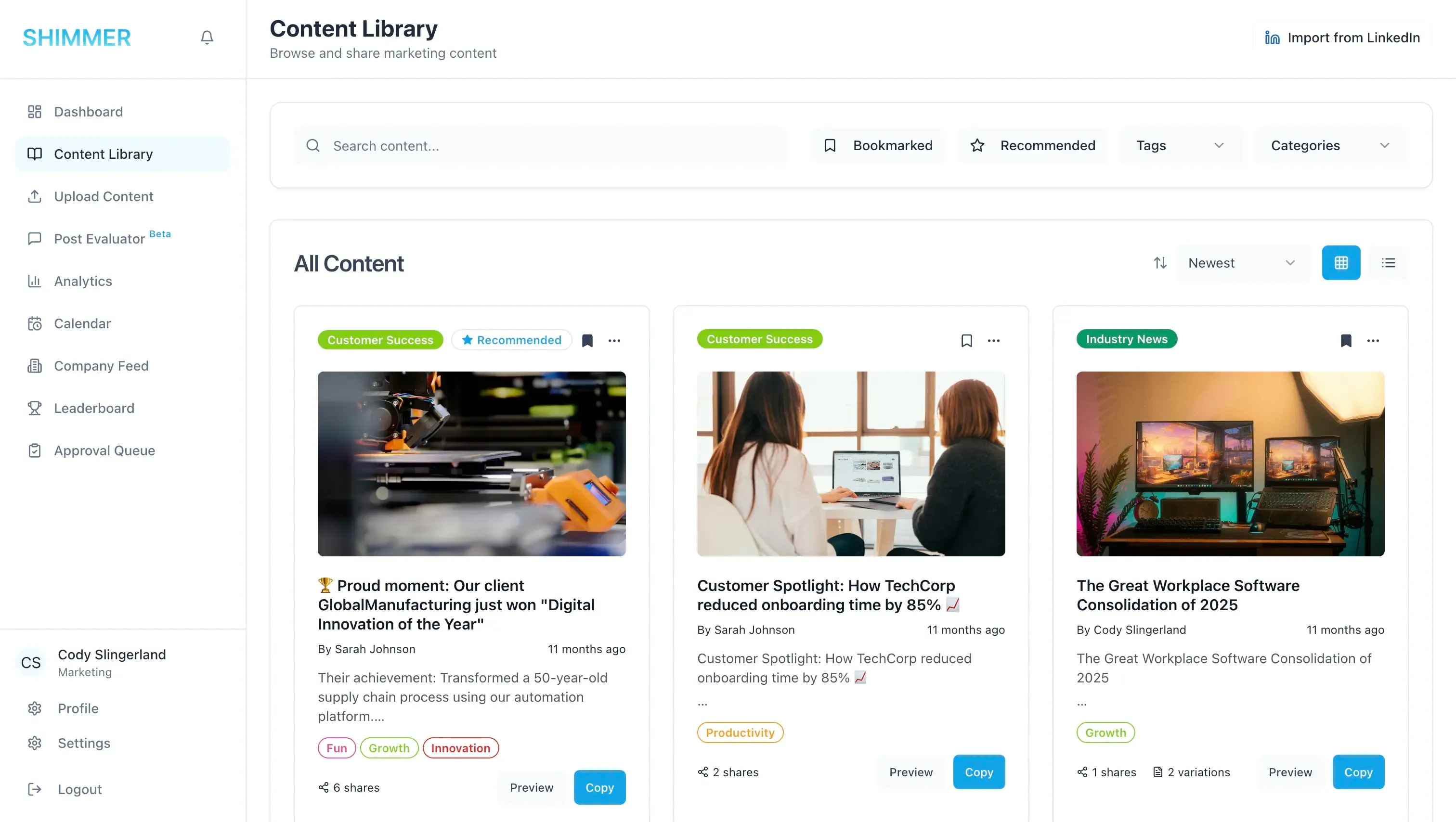
Upload once, use everywhere
Organize content without the chaos
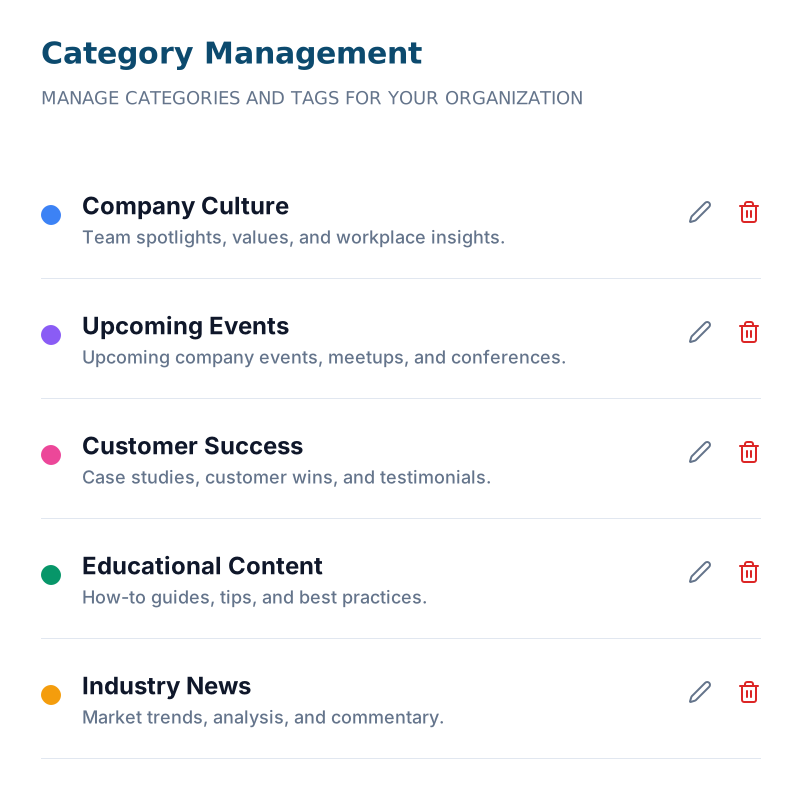
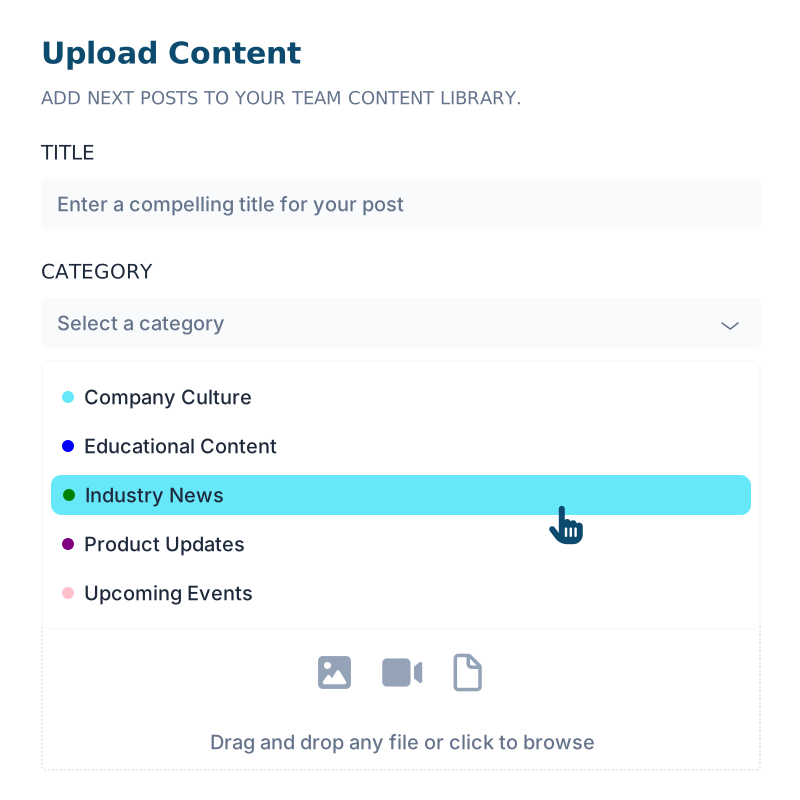
Upload images, videos, and PDFs, then sort everything into admin-controlled categories and tags.
- Color-coded categories
- Multi-tag with auto complete
- Any file format

Marketing leads, sales follows
Keep sales stocked with fresh content
Marketing uploads and categorizes new posts, and every rep sees the latest brand-approved content the moment it lands.
Always current
New uploads reach the whole team instantly.
Always on-brand
Every post is pre-approved before reps see it.

Find it in seconds
Search that actually finds things
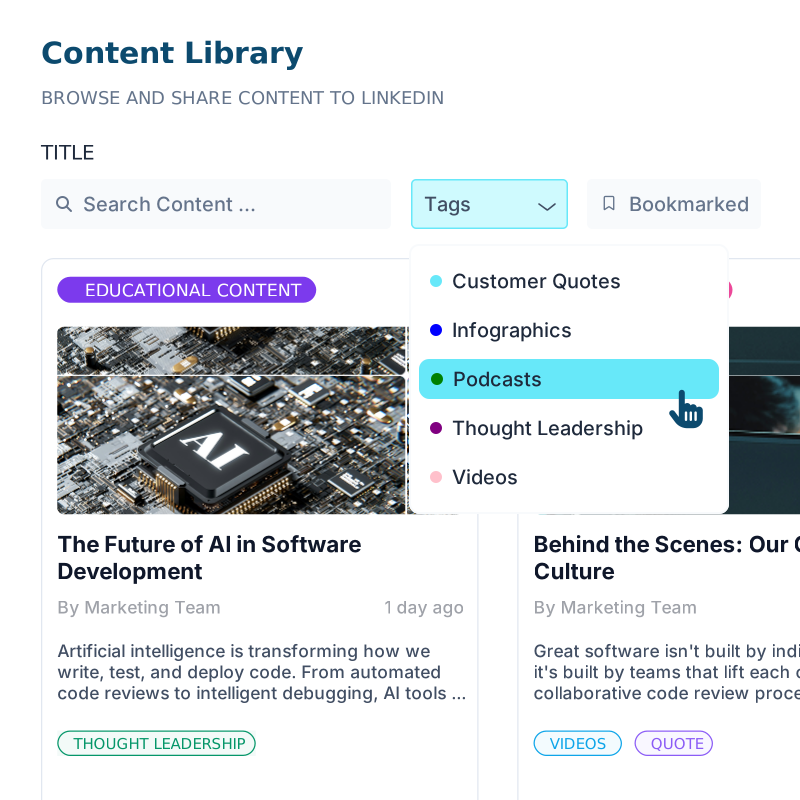
No digging through outdated drives. Search across titles, tags, and categories, and preview any post as it'll appear on LinkedIn.
- Search titles, tags, categories
- LinkedIn-style formatting preview
- Bookmark content for later
FAQ
Have questions? We have answers
You can upload images, videos, PDFs, and other marketing materials. Once uploaded, each file can be sorted into a category and tagged for easy discovery.
Categories are admin-controlled and color-coded, so every piece of content has one clear home. Tags are flexible and support auto-complete, which is useful when a piece of content applies to more than one topic.
Category creation is admin-controlled, so your library stays consistent as it grows. Team members can still tag and search freely within that structure.
Yes. Search and filtering work across titles, tags, categories, and anything you've bookmarked, so you can get back to a post fast.
Yes. You can save multiple versions of a post in the library, so reps have options for how they want to frame the same piece of content.